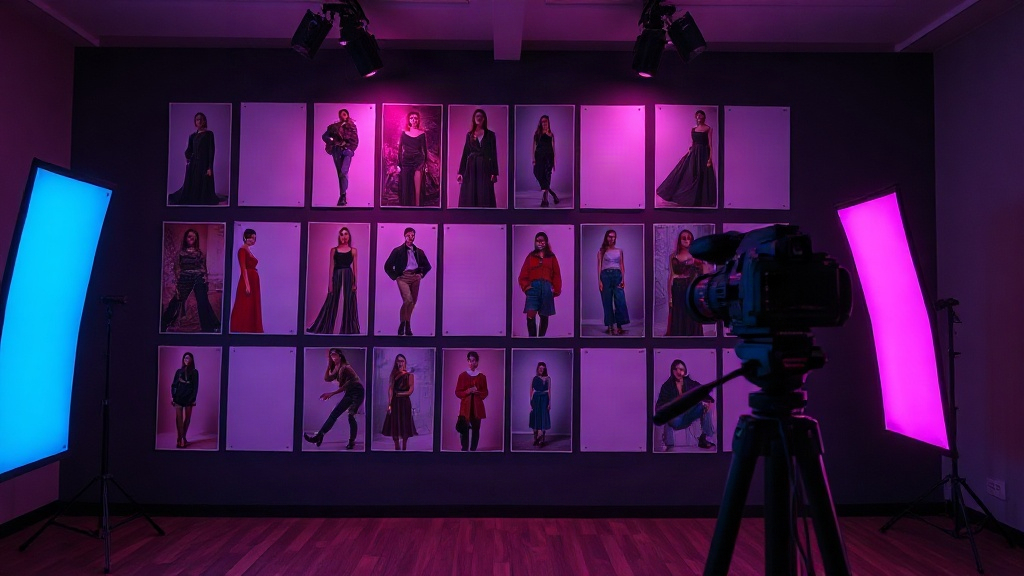



Commercial set companion
RefBoard
Pin the frames you need to match, split them into seven shoot elements, and check off what is captured before you change lights.
01 · Workflow
From mood image to match
A single tear sheet hides dozens of decisions. RefBoard turns vague inspiration into a crew-readable checklist for commercial days.
-
01
Pin the shoot board
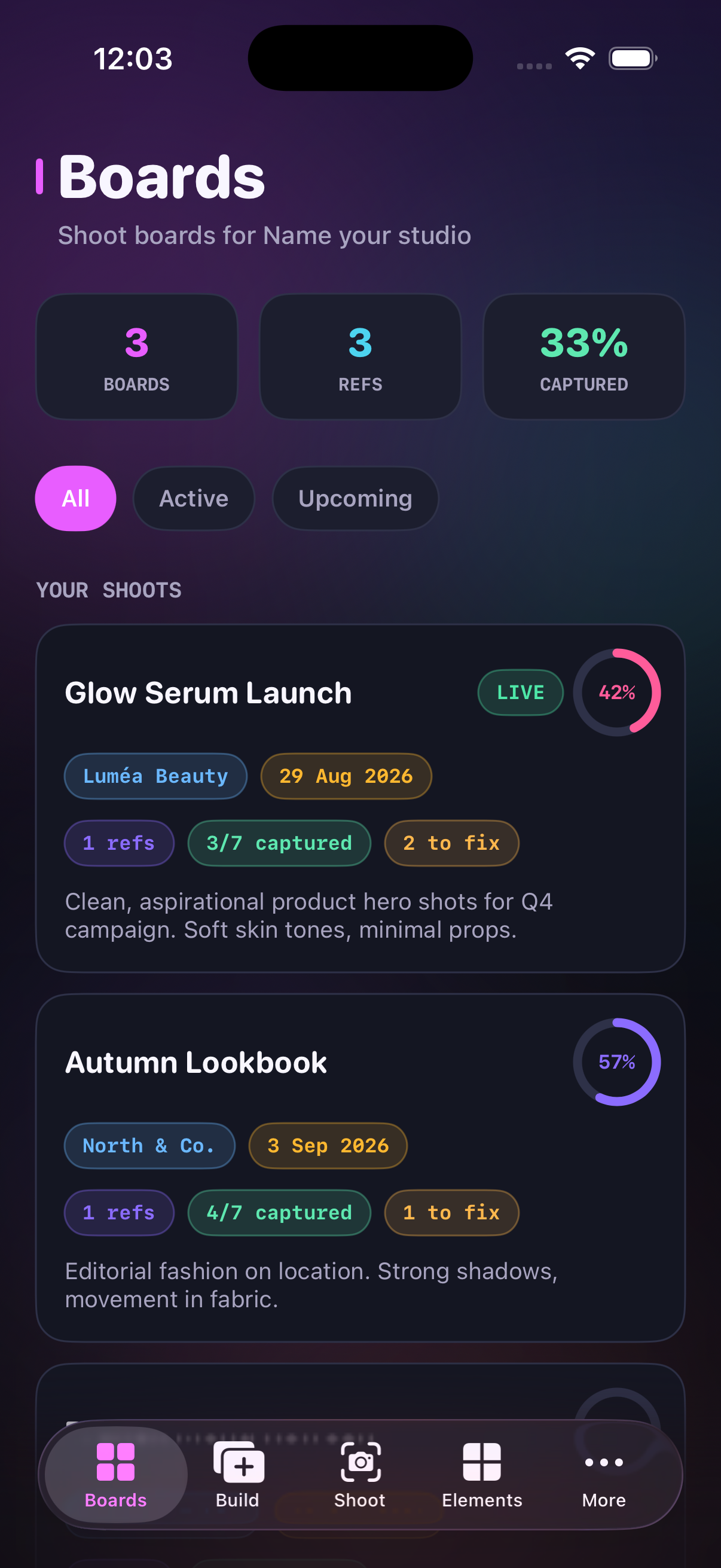
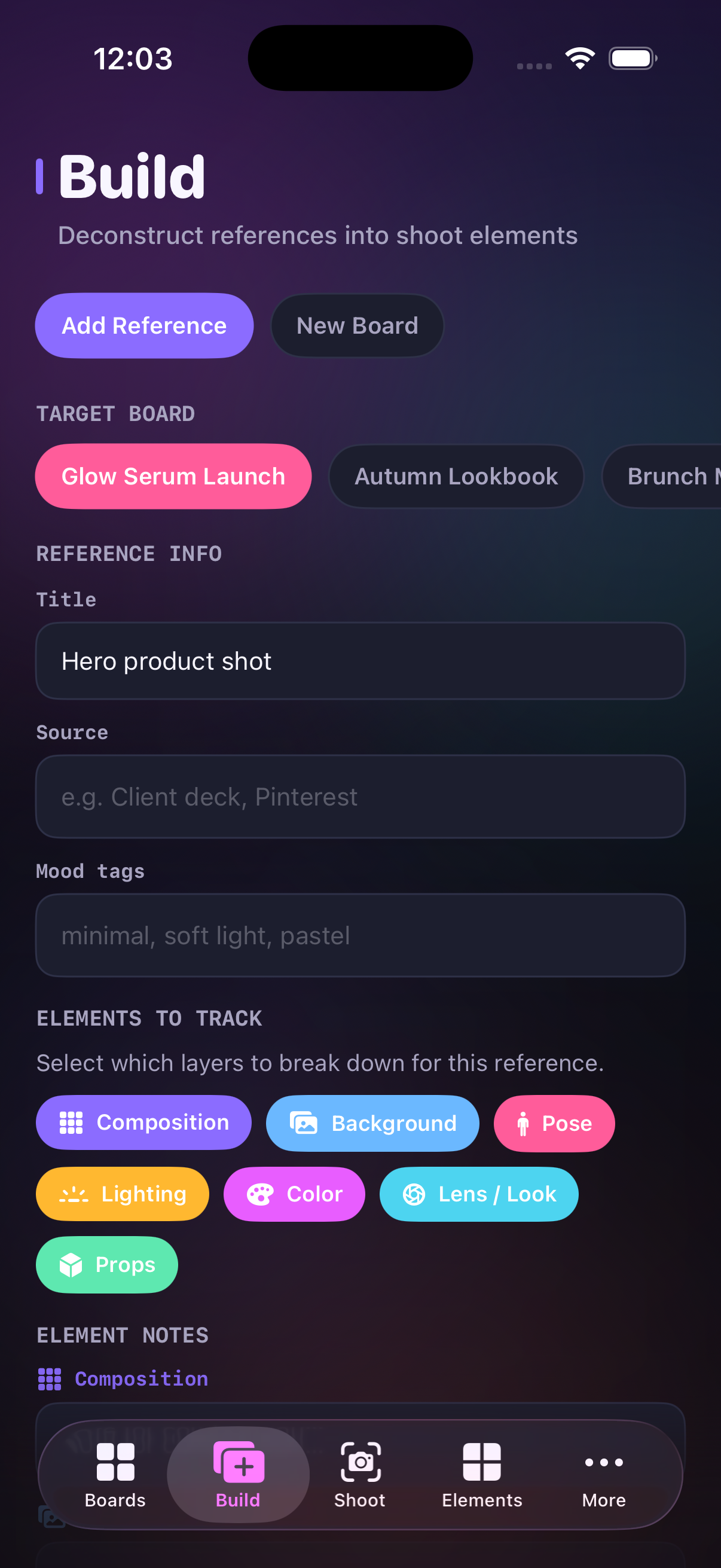
Name the client, date, and brief, then pin every reference you intend to match before call time.
-
02
Split the frame
Break each pin into composition, background, pose, lighting, color, lens look, and props — with a note on every layer.
-
03
Check off live
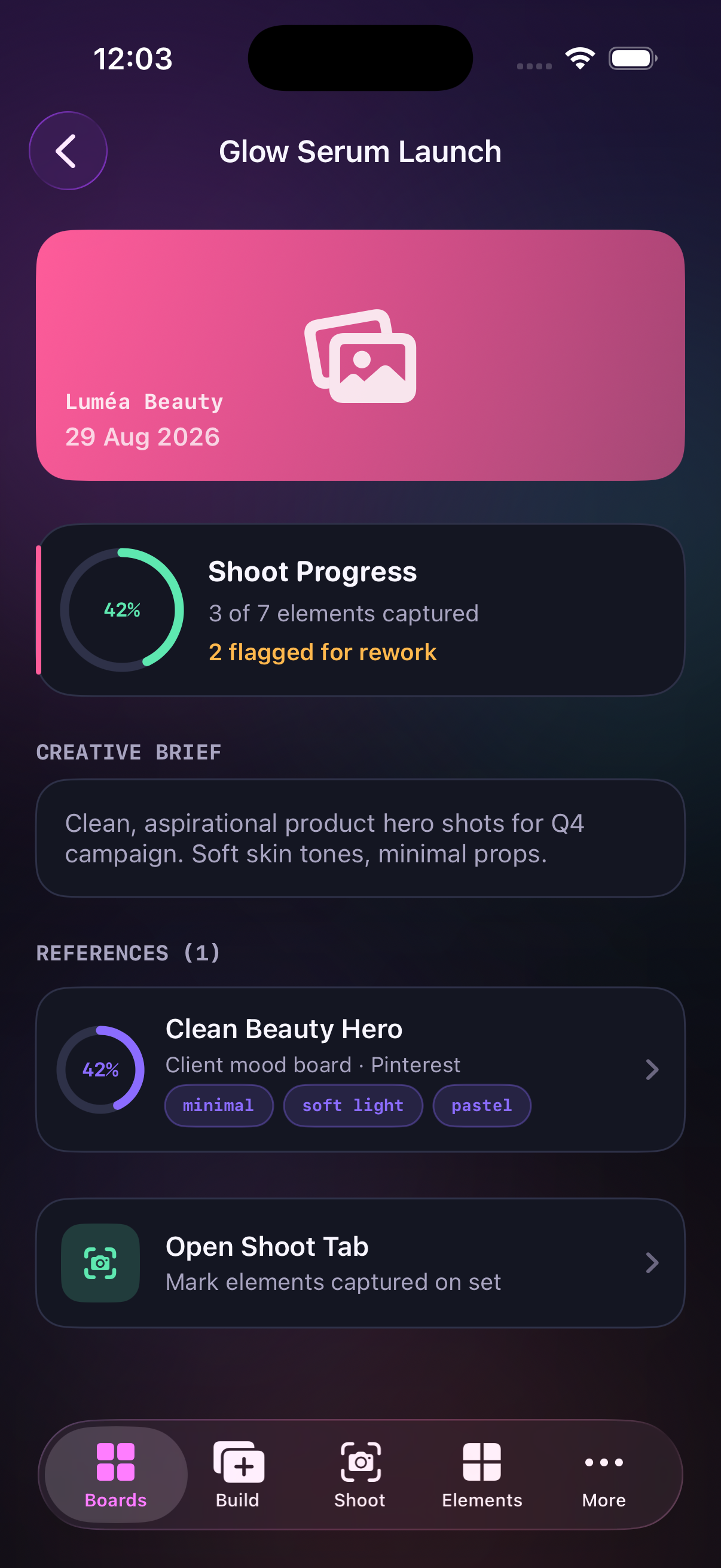
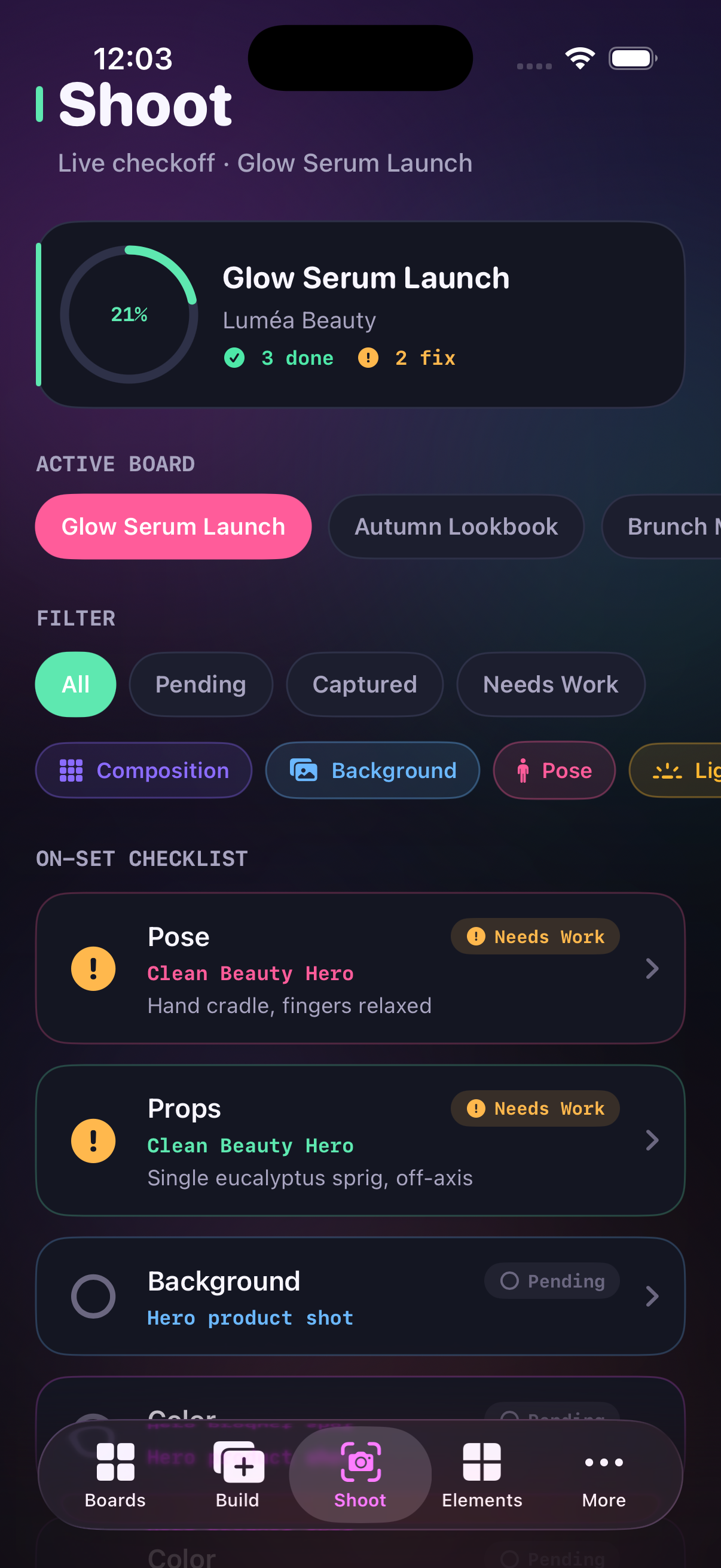
On set, mark Captured or Needs Work so the crew sees what is locked before you move the lights.
02 · Layers
Seven elements per reference
Composition, background, pose, lighting, color, lens look, and props. Each layer gets its own note so “match this” becomes something you can actually shoot.
- Composition
- Background
- Pose
- Lighting
- Color
- Lens / Look
- Props
03 · In the app
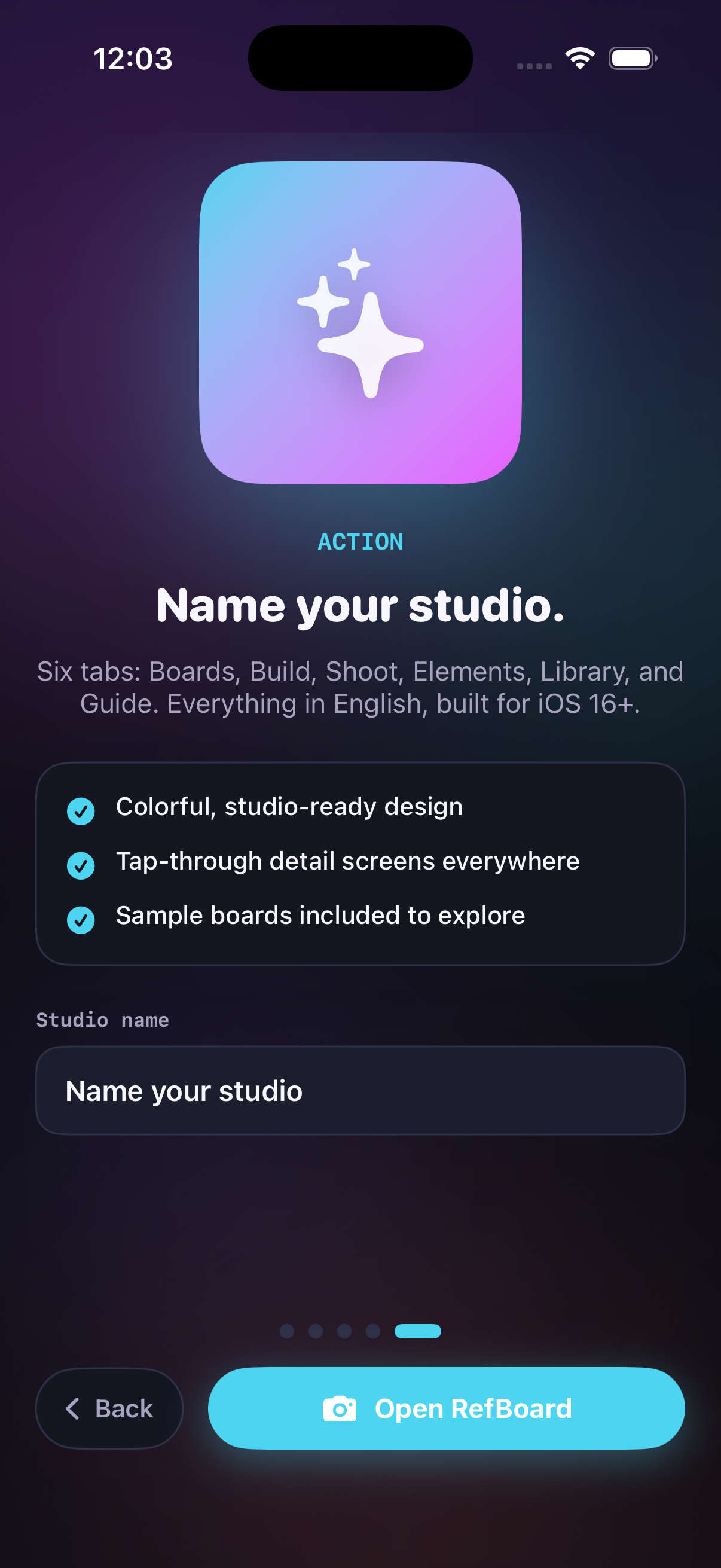
Boards, Build, Shoot
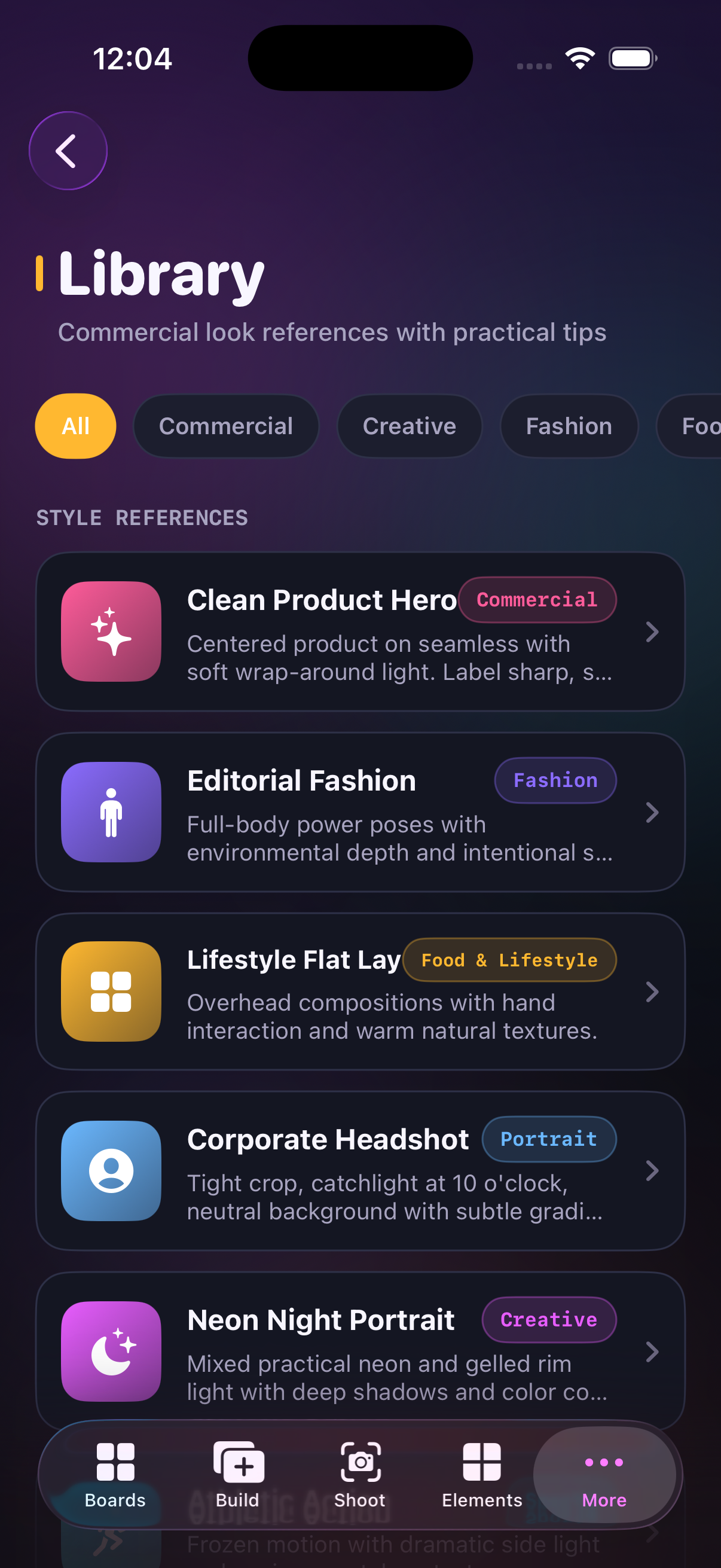
Six tabs for prep and live checkoff — plus element guides, style references, and workflow notes for commercial sets.
Privacy
How RefBoard handles your boards
RefBoard does not collect personal data. Shoot boards, reference pins, element notes, capture status, and your studio name stay on this device. Nothing is sent to a RefBoard server to create an account or sync a campaign.
Effective 27 August 2026. Boards you create — client names, briefs, shoot dates, mood tags, source notes, and per-element checkoff — are stored locally on the iPhone or iPad where you use the app. Studio name is saved with the same on-device store.
RefBoard does not operate a cloud login, analytics dashboard, or advertising network. If Apple system services process a crash or a store receipt, that processing is governed by Apple’s policies, not by a RefBoard backend.
You can remove local content by deleting boards in the app or by deleting the app, which removes stored boards from that device. For questions about this policy, use the support address on this page.
Support
Talk to the studio desk
Questions about boards, element checkoff, or this privacy page — write the review contact listed for RefBoard. We read mail about the app, not about client jobs stored on your device.
Email zakharlishchenko@gmail.com with the app name RefBoard in the subject. Describe the screen (Boards, Build, Shoot, Elements, Library, or Guide) and what you expected to happen.
We cannot recover deleted boards from our side because they are not uploaded. Keep your own export or notes if a campaign must survive a device reset.